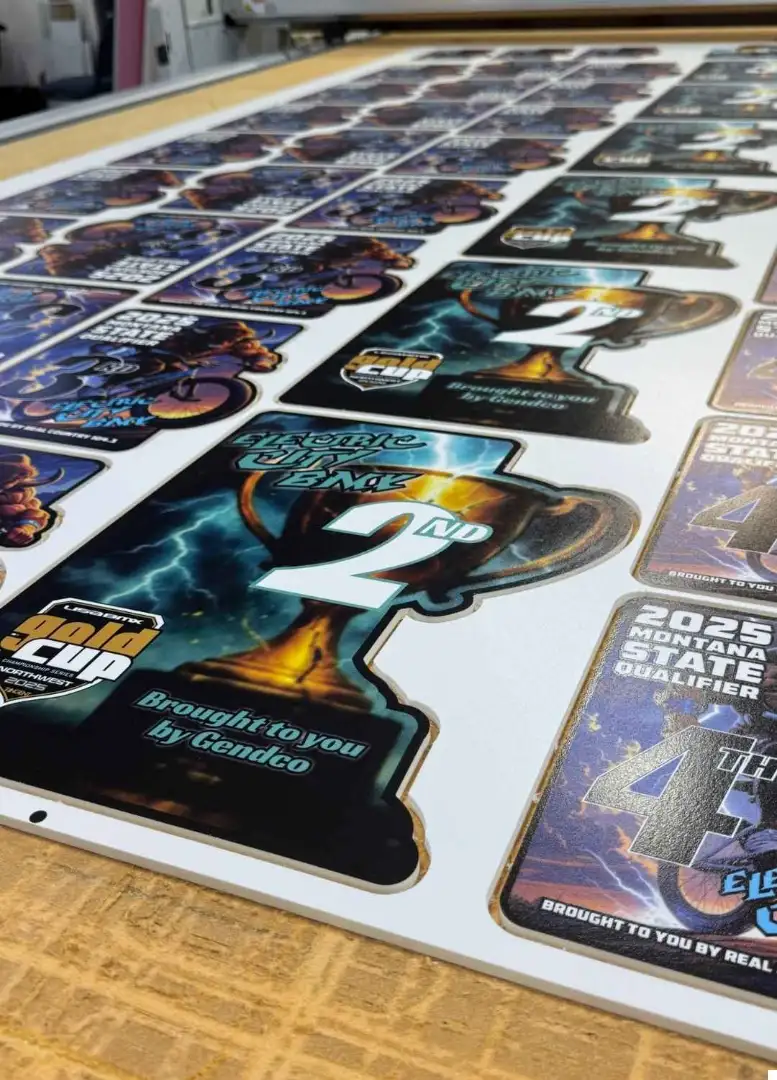
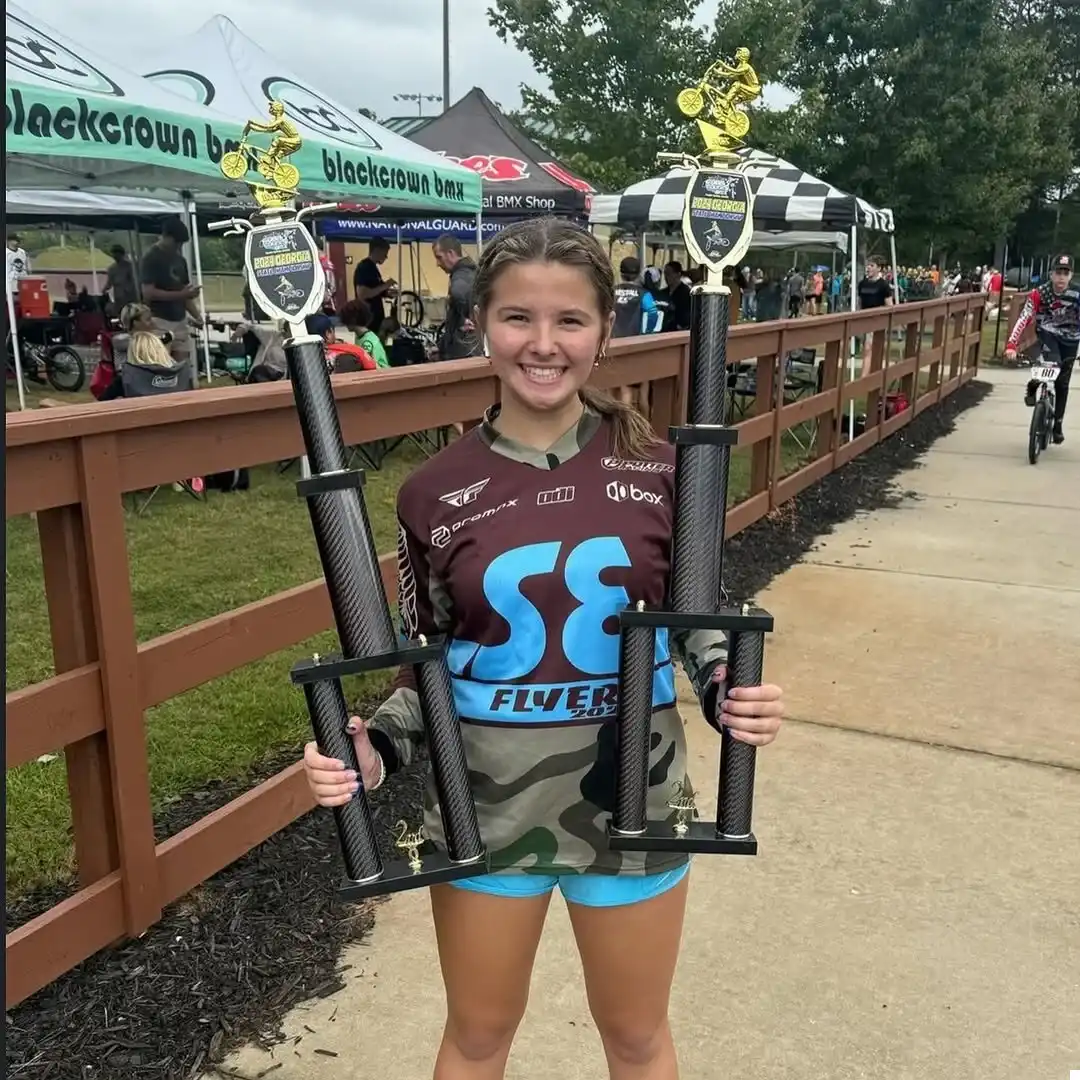
Good news. Your new Account Dashboard is ready. You can see your past orders. You can change your address. You can keep your info up to date. This helps you order faster for your track or your next event!
How to create your BML account in under two minutes
Making an account is easy. Click Sign In at the top of the site and choose Create Account. Add your name, email, and a strong password. Check your email for a quick confirmation. Then log in to your new dashboard. You are now ready to track orders and save time for your next race or event. Our team is here to assist you if you need help.
Click Sign In, then Create Account
Enter your info and confirm by email
Log in, and you are all set
How to log in to your dashboard and what you will see first
Go to the site and click Sign In. Enter your email and password. You will land on your dashboard home. You will see a quick view of your profile and your latest orders. From here, you can open any order to see the details. You can also go to Account Details to change your address. If you forget your password, use the reset link on the sign-in page.
Sign in with your email and password
See your latest orders at the top
Use Account Details to edit your address
Where to find your previous orders and what details are shown
In your dashboard, click Orders. You will see a list of your past orders. Each order displays the date, items, and total. Click an order to open the full view. You can read the item names and sizes for easy reorders. If you have questions, send us an email at Sales@bmltrophies.com!
Conclusion
Your Account Dashboard keeps your info in one place. See what you bought before. Change your address when you move. Order again with less stress. It is simple, and it saves time for busy people!
See Award Examples 👉
Shop BMX Awards 👉
Please fill out the form below with your event details, and we’ll get back to you as soon as possible